
How to Send a Christmas Card With a Voice Message
A ten-second hello, a kitchen mishap or a chorus from the family can be the whole card. Pick something to say, then record it and choose when your friend hears it.
If you’re sending a Christmas card to someone who usually hears from you by text, let them hear the way you say their name. On Deco My Tree by PocketGlee you can record up to a minute and choose when the card opens. Ten seconds is plenty for a good hello.
Make it feel like a real conversation
Picture Gran answering the phone. You’d probably tell her the mince pies are out of the oven before you’d wish her “a season filled with joy.” Write “Merry Christmas, Gran” inside the card and save the kitchen news for the recording. If you’d like her to hear it on Christmas morning, you can make the card earlier and send the link in advance.
Three easy Christmas voice message ideas
A ten-second hello
Merry Christmas, Ben. I found that wonky star you made at school. It still drops glitter everywhere. It’s back on top of the tree.
Something funny
Christmas dinner update. The smoke alarm went off before the oven was even hot. That was the toast. The turkey’s fine.
From the whole family
Hi Gran. We did the little fork marks round the pies like you showed us. Hang on, Rosie wants to tell you which one’s yours. “The big one! I put a G on it!”
If you’re recording with a child, ask them one question and leave the microphone on for the answer. That little interruption might be the bit Gran plays twice.
Put your recording in the card
Start your card. Pick a cover in the Christmas card maker. Starlight Pine is one of the free ones. Enter their name, choose Next, then write your note and sign it. Under When they can open it, choose Now, Christmas Eve, Christmas Day or Pick a date.
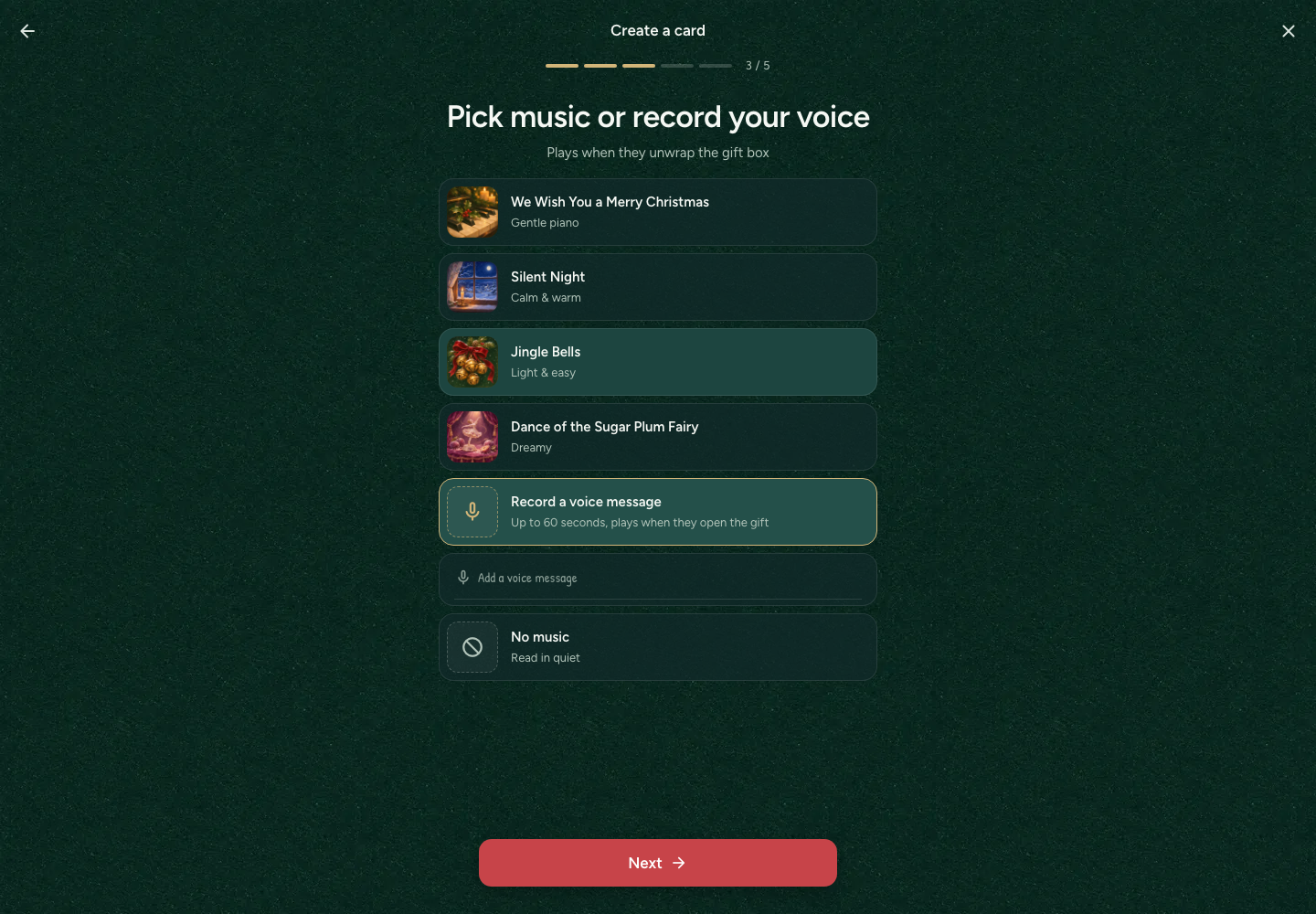
Record your voice. On step 3, select Record a voice message, then Add a voice message. Allow microphone access if your browser asks. The recording can be up to 60 seconds.
Send it in your usual chat. Finish the card and choose Copy link or Share. Your recipient opens the gift box in a browser. If you scheduled it, they’ll see a countdown until it’s ready.
Choose a cover and make your voice card. When you send it, a quick “Turn the sound up when you open this one” is all the introduction it needs.